Bingo Blitz XTRA
Get ready to take your Bingo Blitz fun to the next level!


Say hello to Bingo Blitz – Xtra! Take your Bingo Blitz experience up a notch with extra rewards, extra bonuses, and extra fun!
Your favorite game is now available and ready to play at the touch of a button, from our site https://xtra.bingoblitz.com/
What’s so special about it? More perks, more rewards, special offers and more!
Save the Bingo Blitz on your device and unlock amazing benefits as you play Bingo Blitz!
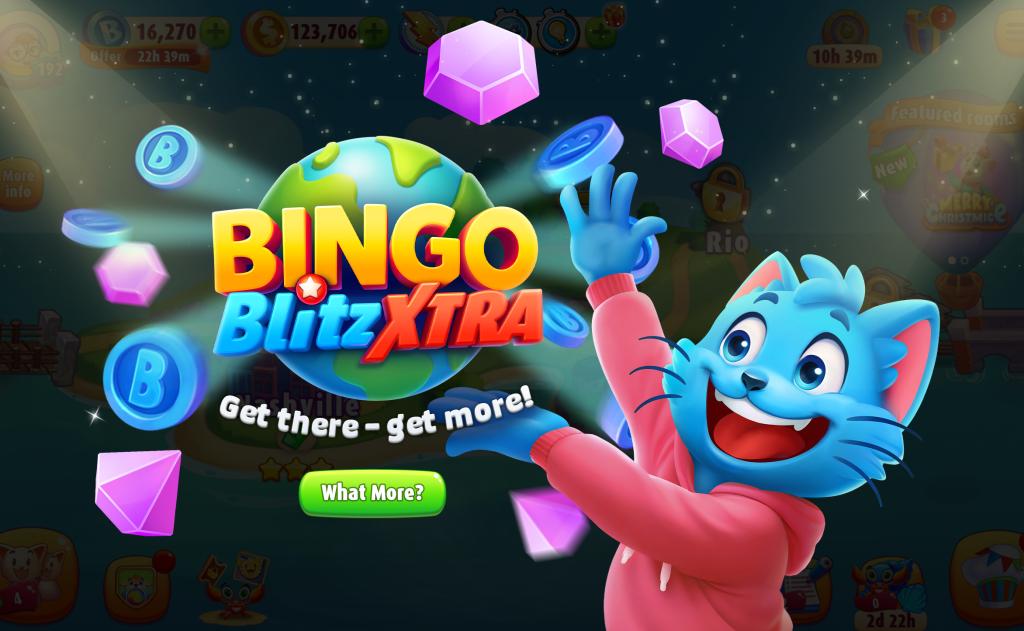
Let’s check them out together:
10% More Credits or Gems on every purchase
Who doesn’t love more credits, more gems?
With Bingo Blitz XTRA, every credit or gem purchase comes with a built-in bonus of 10% extra credits. No special codes needed!
10% More on the Golden Spin and the Piggy Bank
You heard that right! Turn your spins and savings into even bigger prizes.
Enjoy 10% more on the Golden Spin and Piggy Bank when you play on Bingo Blitz XTRA!
XTRA PLUS Joining Bonus
When you subscribe to PLUS, you get to enjoy some extra goodies!
Exclusive Offers and Benefits
Step into Bingo Blitz and enjoy exclusive offers, benefits, coupons and more, only on XTRA!
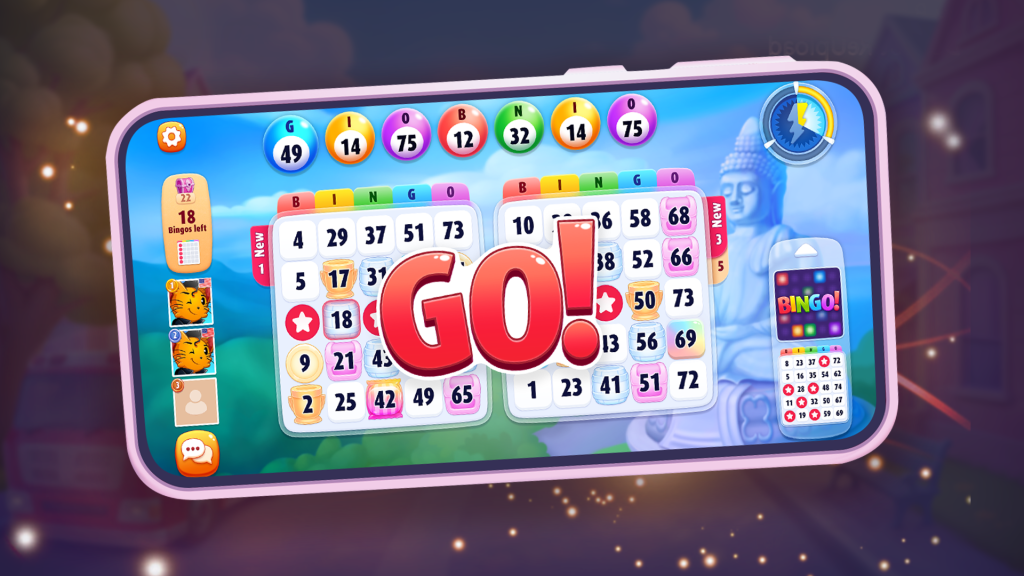
Go to Bingo Blitz XTRA or type https://xtra.bingoblitz.com into your browser to check all of them out!
Keep an eye out on your Gift Center! Blitzy is sure to drop some pretty awesome gifts over there?
⚙️Our top engineers designed and developed our website in-house, always keeping our players the top priority!
This means top-quality everything:
- purchase stability and trust;
- a smoother and faster gaming experience;
- access it from any device!
https://xtra.bingoblitz.com is ready to use on any browser of your choosing, including Google Chrome, Opera, Safari, Mozilla Firefox, Microsoft Edge and more!
How to go XTRA
You only have to follow a few steps and you get to enjoy all these amazing benefits!
Go to Bingo Blitz or type https://play.bingoblitz.com into your browser to log into your Bingo Blitz account.
Click on the Play Now icon and log in as usual.

When you click on it, you’ll get these 3 options which you can use to log in to your Bingo Blitz account!
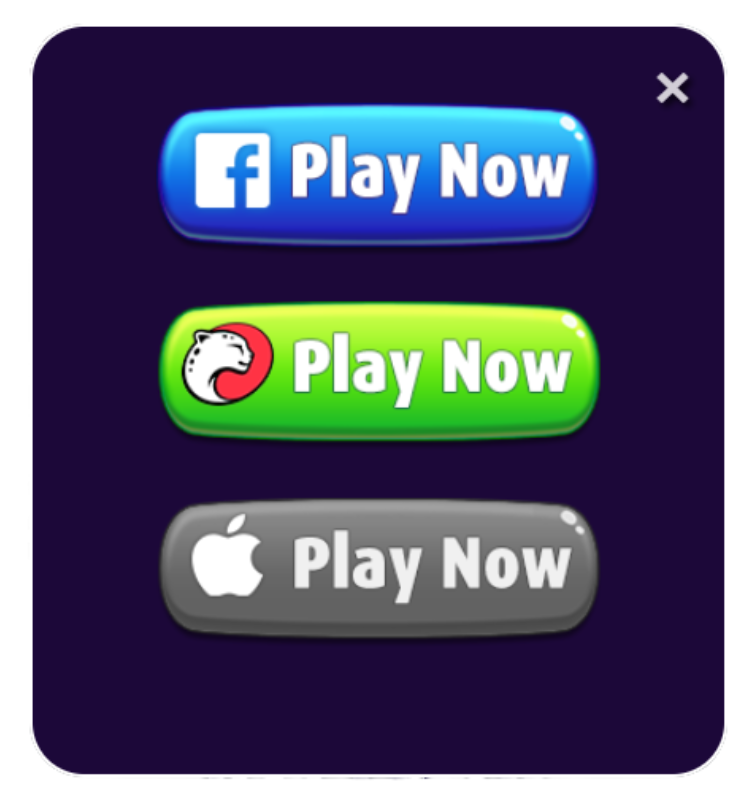
Let’s go over the steps for each of them!
1. Facebook
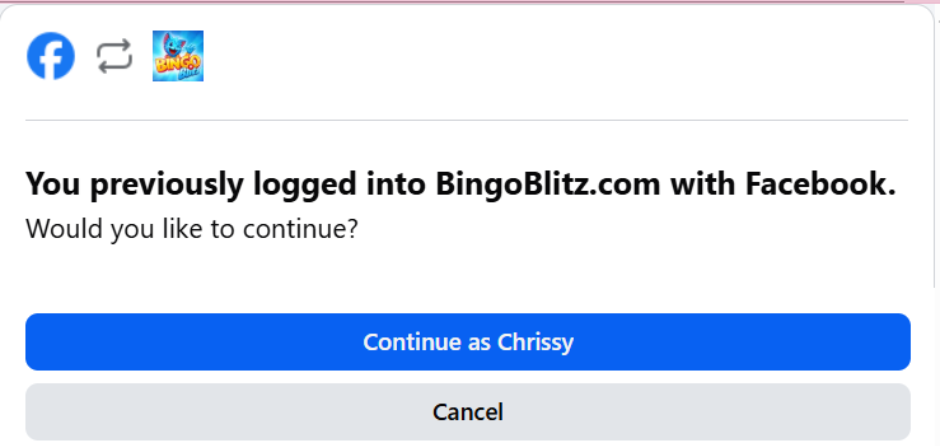
If your Bingo Blitz Account is connected to Facebook, you can follow these steps and jump right into a bingo round!
– click on the blue Facebook icon;

– a window will pop-up where you will need either need to put in your Facebook credentials or, if you are already logged into Facebook on your browser, just click on Continue and play right away!
2. Email
– If your Bingo Blitz account is connected to your email address, click on the Green icon:

– select the Email option and make sure that at the top of the window you see LOG-IN
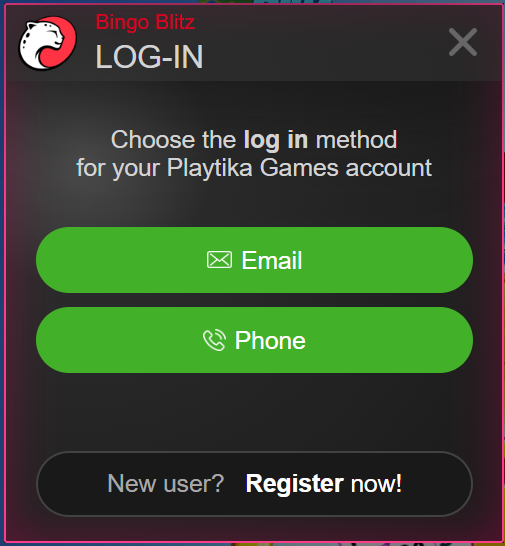
– in this window, just fill in the fields with your credentials:
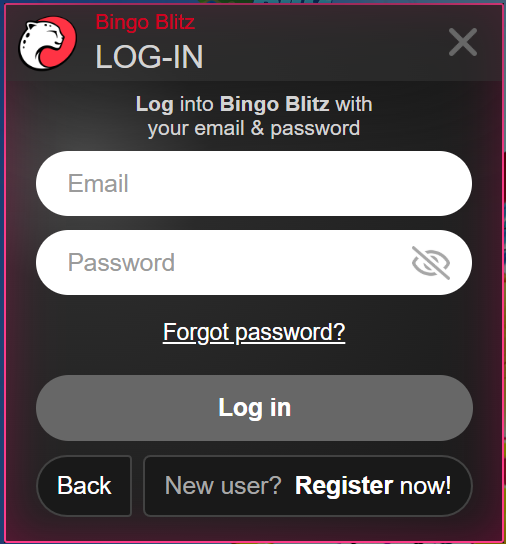
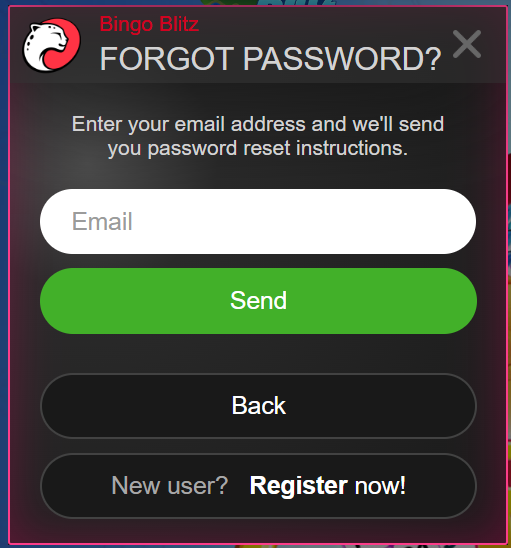
– no worries if you forgot your password – if you did, click on the Forgot password? button. Add your email and we will send instructions so you can reset your password:
3. Phone Number
– click on the Green button:
– select the Phone option and make sure that at the top of the window you see LOG-IN
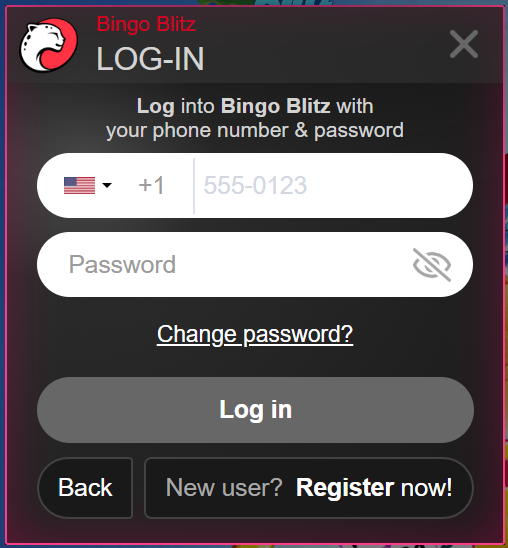
– in this window, select the country you are in, add your phone number and password:
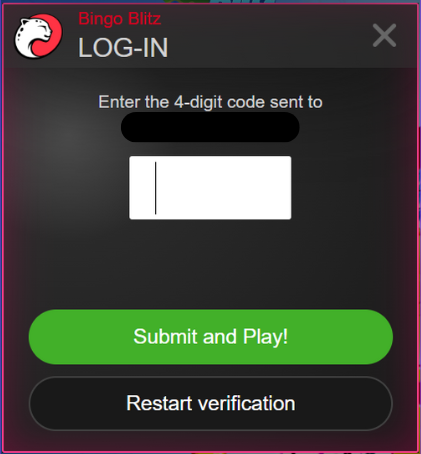
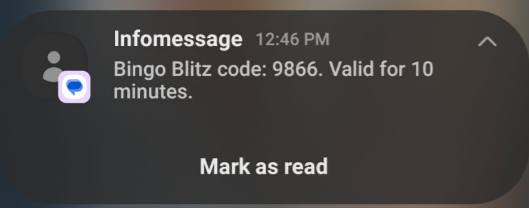
– after you click on Log in, you’ll receive a 4-digit code that was sent to the phone number you used to log in:
4. Apple
– click on the Apple icon:

– enter your email or phone number and password:
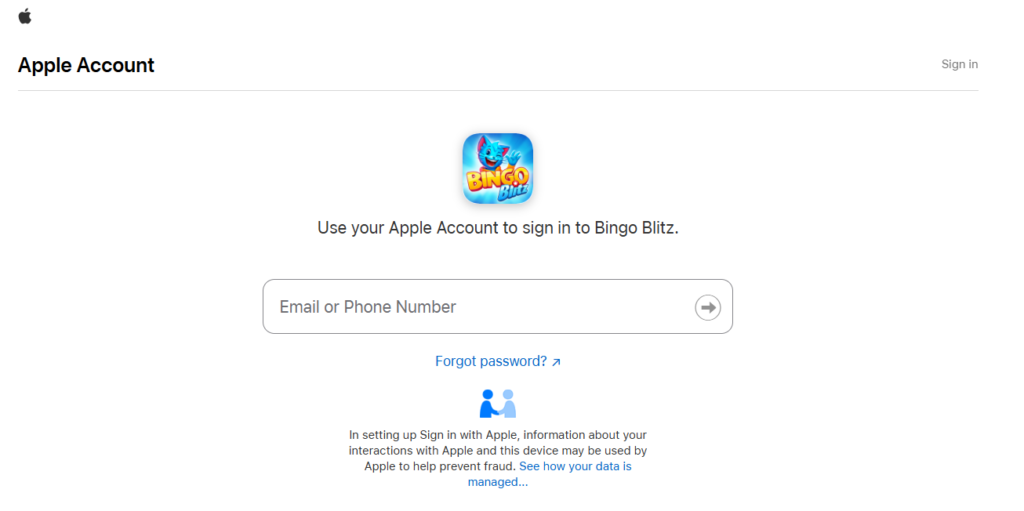
– and just like that you’ve entered your Bingo Blitz profile on BingoBlitz.com!
Save https://Play.BingoBlitz.com/ directly on your device for easy access!
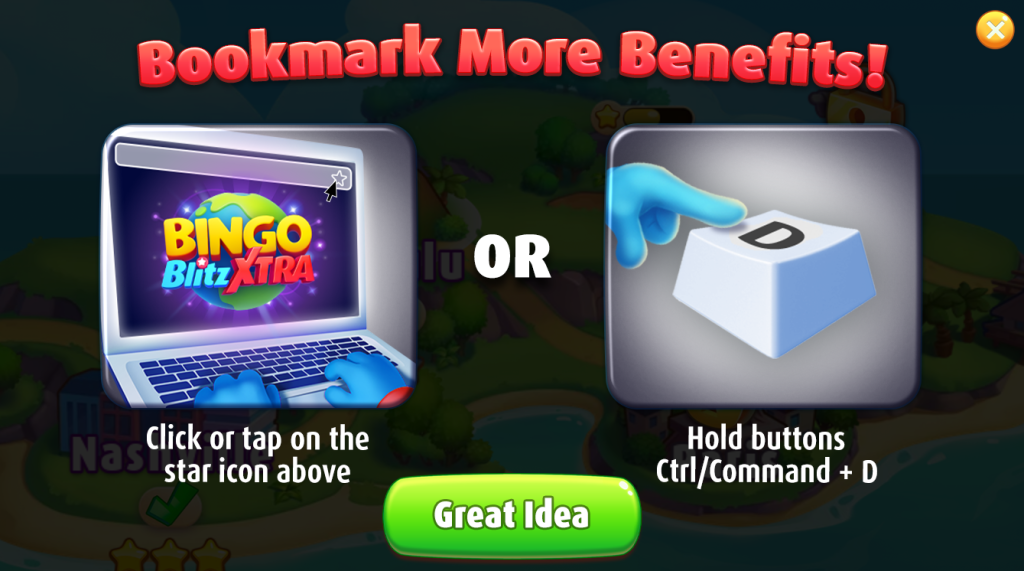
If you are using an Android or Apple device, follow these steps to hop right into the amazing world of Blitzy:
Android
1. Go to www.Xtra.BingoBlitz.com, scroll down and follow these steps!
2. Now you need to click on the Download option to get start started:

3. You might get a pop-up notification saying this file is from an unknown or dangerous source. Have no worries, it’s a safety protocol from your Android device. The file is perfectly safe to download!
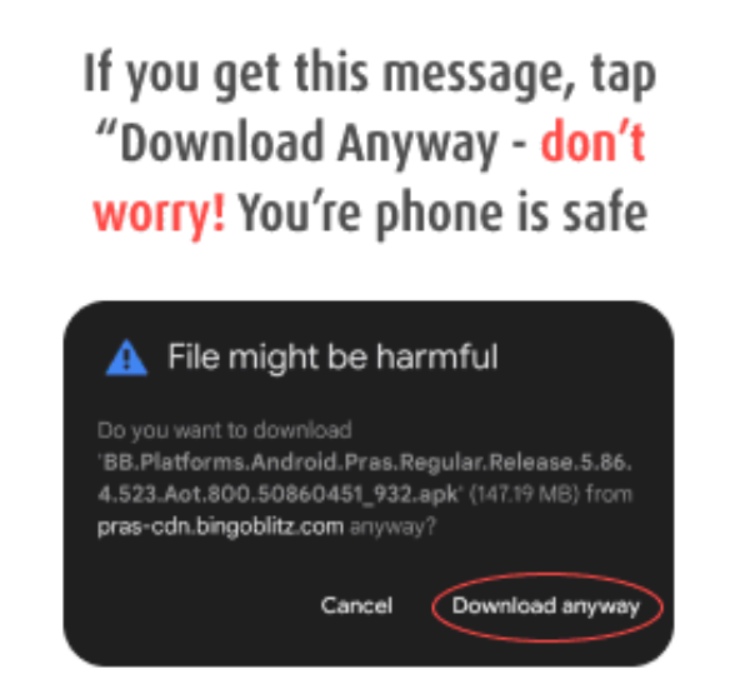
Go to Settings, then search for Install from Unknown Sources. You will toggle off the Download Unknown Sources option! It’s a safety measure from your device, but no worries, Bingo Blitz XTRA is perfectly safe to download!
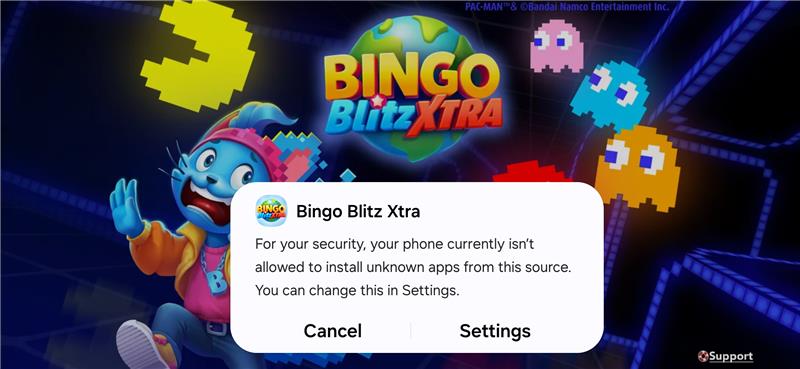
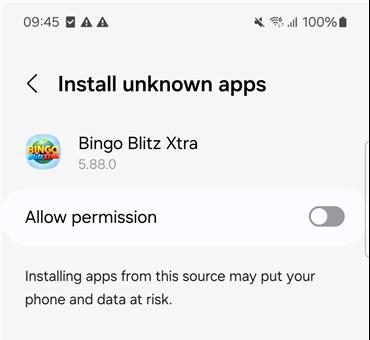
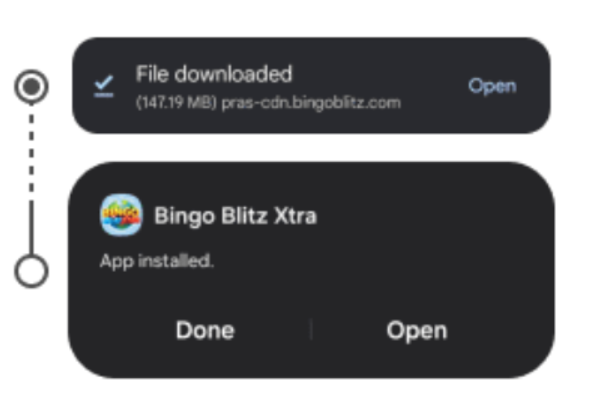
4. After the file downloaded, click on Open, then Install! Afterwards, when the file is installed, open Bingo Blitz Extra and follow the steps above to connect to your account!
Apple
1. Go to www.Xtra.BingoBlitz.com, scroll down and follow these steps!
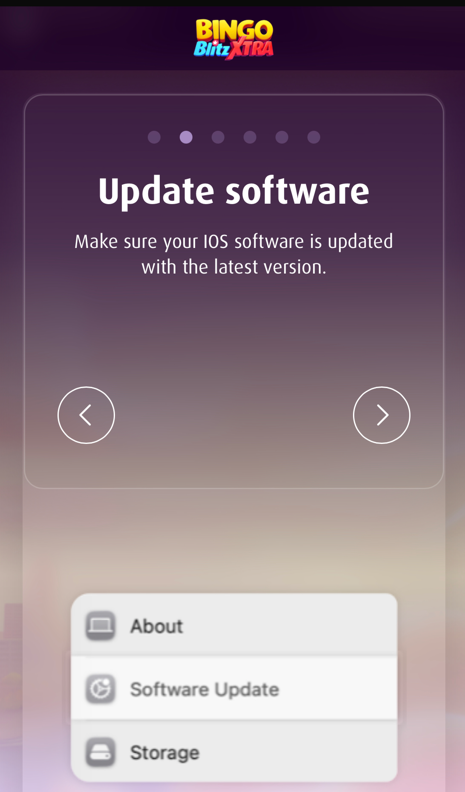
2. Check to see that your iOS software is updated to the latest version;
3. Open Safari and type in play.bingoblitz.com (accept cookies for a smooth ride in Bingo Blitz!)
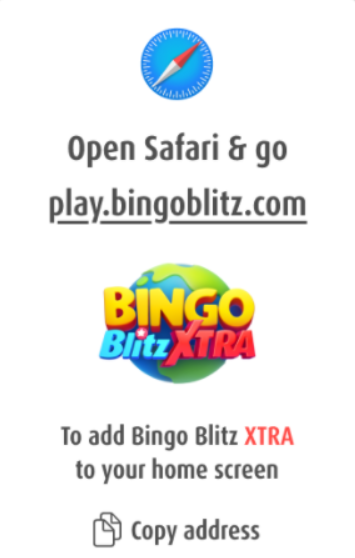
4. Download Bingo Blitz! First up click on the More icon, followed by the Share one. Lastly, click on Add to Home Screen and you’re set to go!
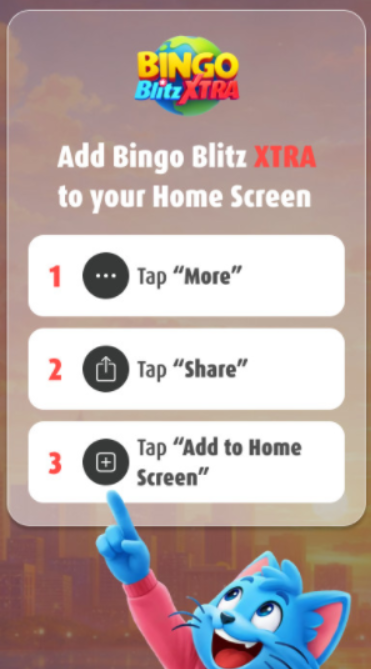
5. Now you should have Bingo Blitz Xtra next to your other Apps! Open it and use the steps above to connect to your Bingo Blitz account!
Have fun and happy daubing, Blitzers!