
Connecting Accounts
Playing as a guest? Connect your Bingo Blitz account to Facebook, Email, Phone Number, or Apple and enjoy easy access anytime, anywhere!


To make sure you never lose your Bingo Blitz progress, it’s important to have your account connected to at least one of these options: Facebook, Email, Phone Number or Apple.
This keeps your game account safely linked and easy to access anytime, anywhere!
Before you start
Make sure the profile you want to connect has never been used to access Bingo Blitz.
If you log in through Facebook and it creates a new profile, a new User ID will be attached to it.
This means that if you try to connect your current account to that Facebook profile, you’ll only reach the new, mostly empty account.
Don’t worry! If this happens, simply log out and sign back in using your old username and password.
Let’s check out together the steps on how to connect your account to all of the options mentioned!
Connecting your account to Facebook, Email/Phone Number or Apple:
To connect your account to a Facebook/email/phone number/Apple ID, you can follow these steps:
-go to Main Menu

-scroll down and select the “Connect/Logout” option

-choose whichever option works for you!
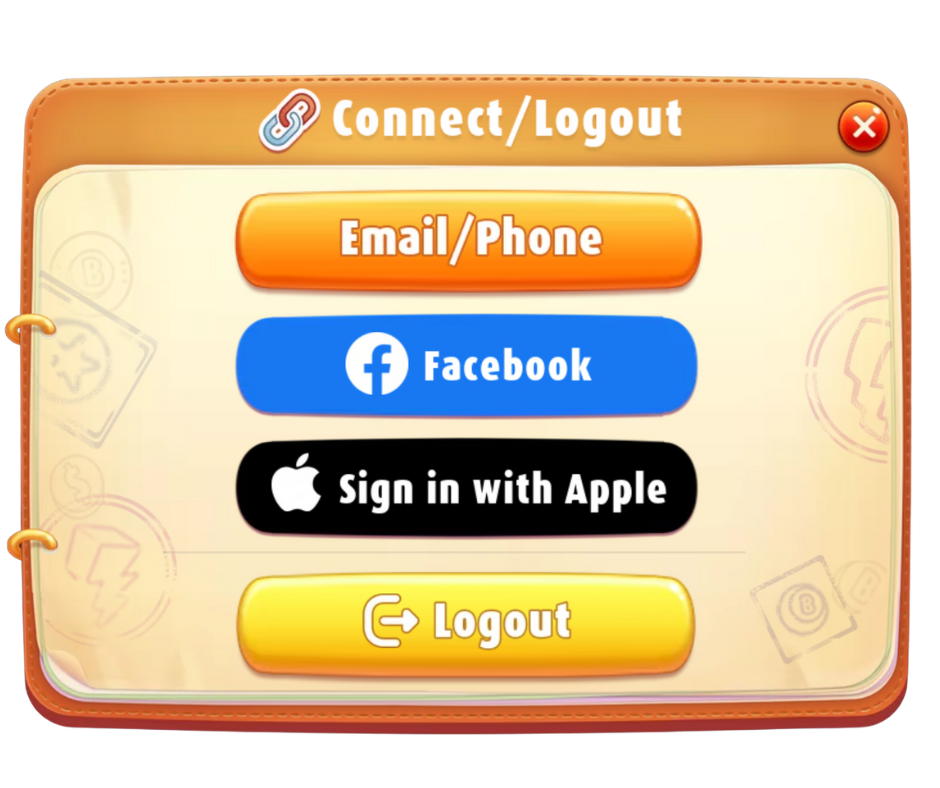
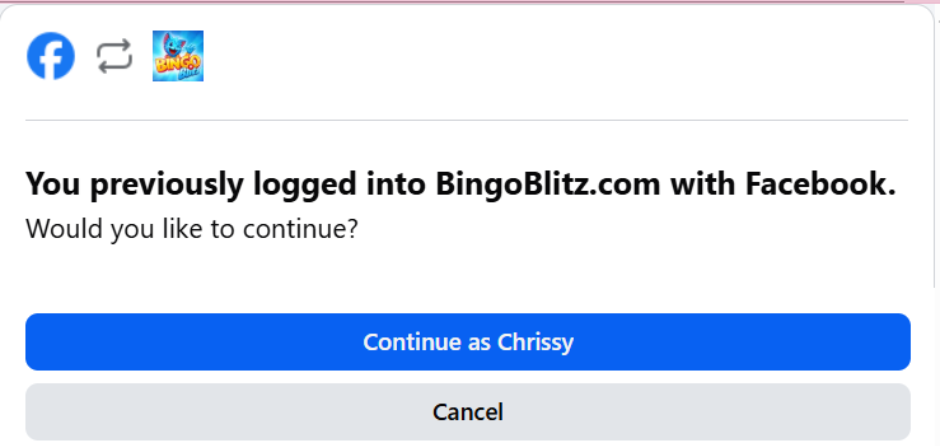
1. Facebook
If you would like to connect to your Facebook account, a window will pop-up where you will need either need to put in your Facebook credentials or, if you are already logged into Facebook on your browser, just click on Continue and play right away!
2. Email/Phone
If you select Email/Phone, a window will pop up where you will need to select one or the other! Make sure to select “Register Now!” and not Login!
Email:
– click on Register now
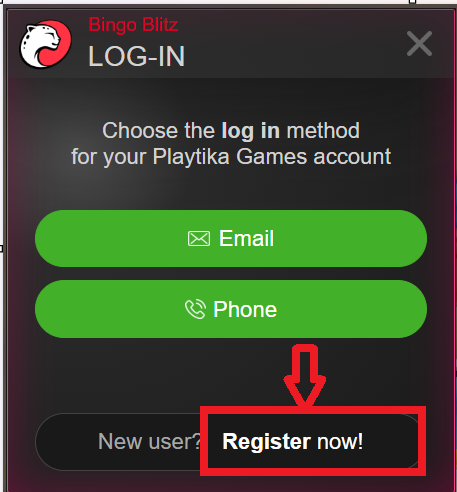
– select Email
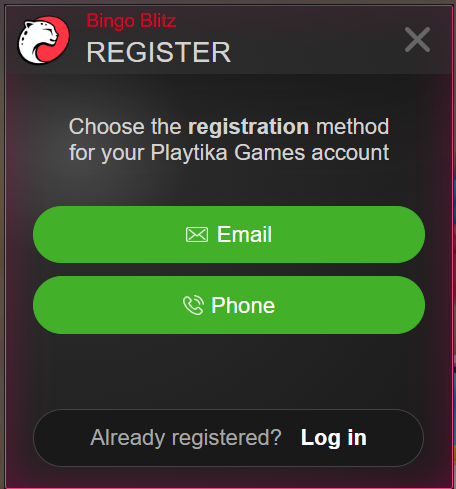
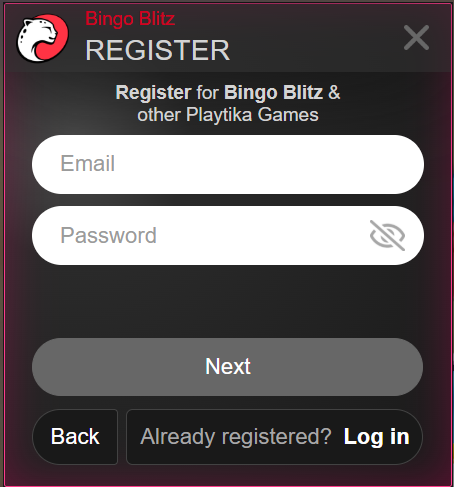
– in this window, just fill in the fields with your credentials:
Phone
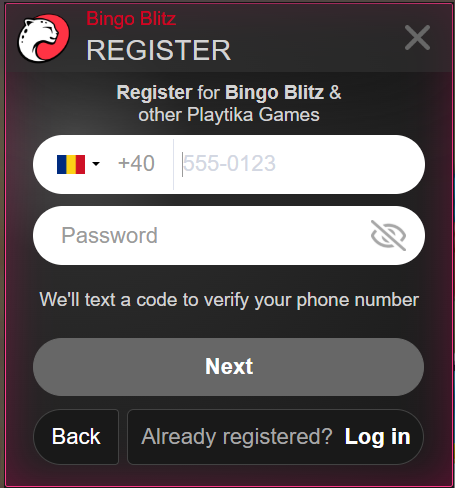
– click on Register now
– select Phone
– in this window, select the country you are in, add your phone number and password:
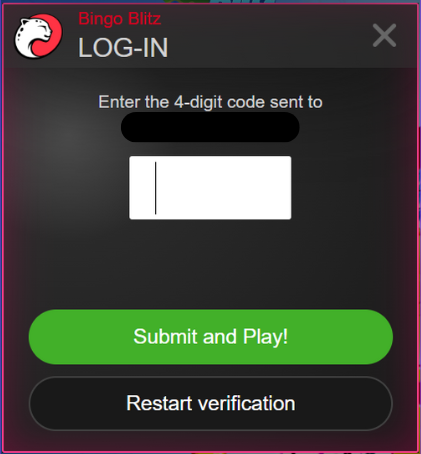
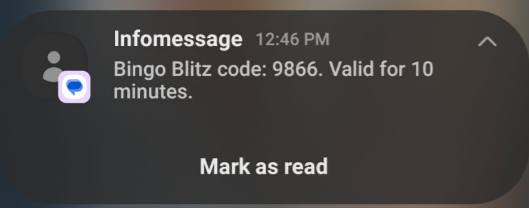
– after you click on Next, you’ll receive a 4-digit code that was sent to the phone number you used to Register:
3. Apple
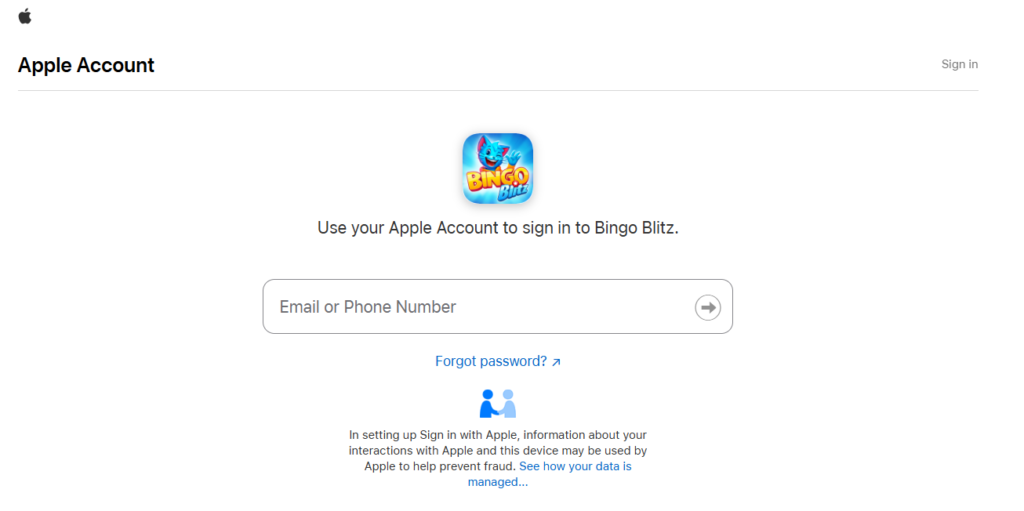
– enter your email or phone number and password:
Merging accounts
Right now, merging two or more accounts isn’t possible. Each account is unique, so they can’t be combined into one.
However, if you find yourself stuck in a sticky situation and can not access the old account anymore, we can help by transferring your progress from one account to another.
For further assistance on this matter, contact our Support Team! They will be more than happy to help!